Transform your Android tablet into a second display for your Mac — plug in over USB-C, or pair once with a QR scan and stream wirelessly over WiFi. Under 30ms latency on USB, hardware accelerated, gaming ready.
Built by an indie developer.
Built for performance, designed for simplicity
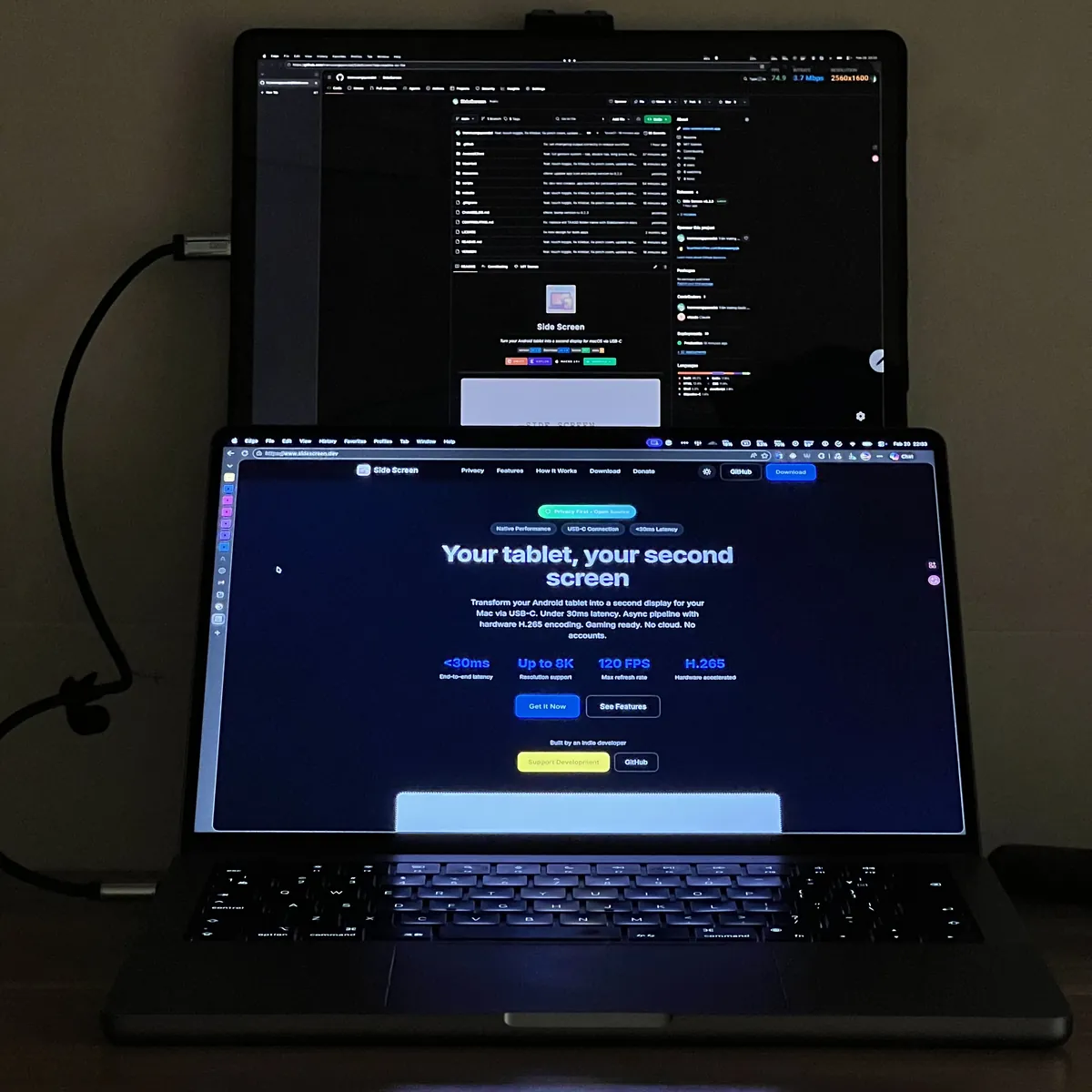
Create a true virtual monitor on your Mac. Drag windows to your tablet just like a real display — not mirroring, but extending your workspace.
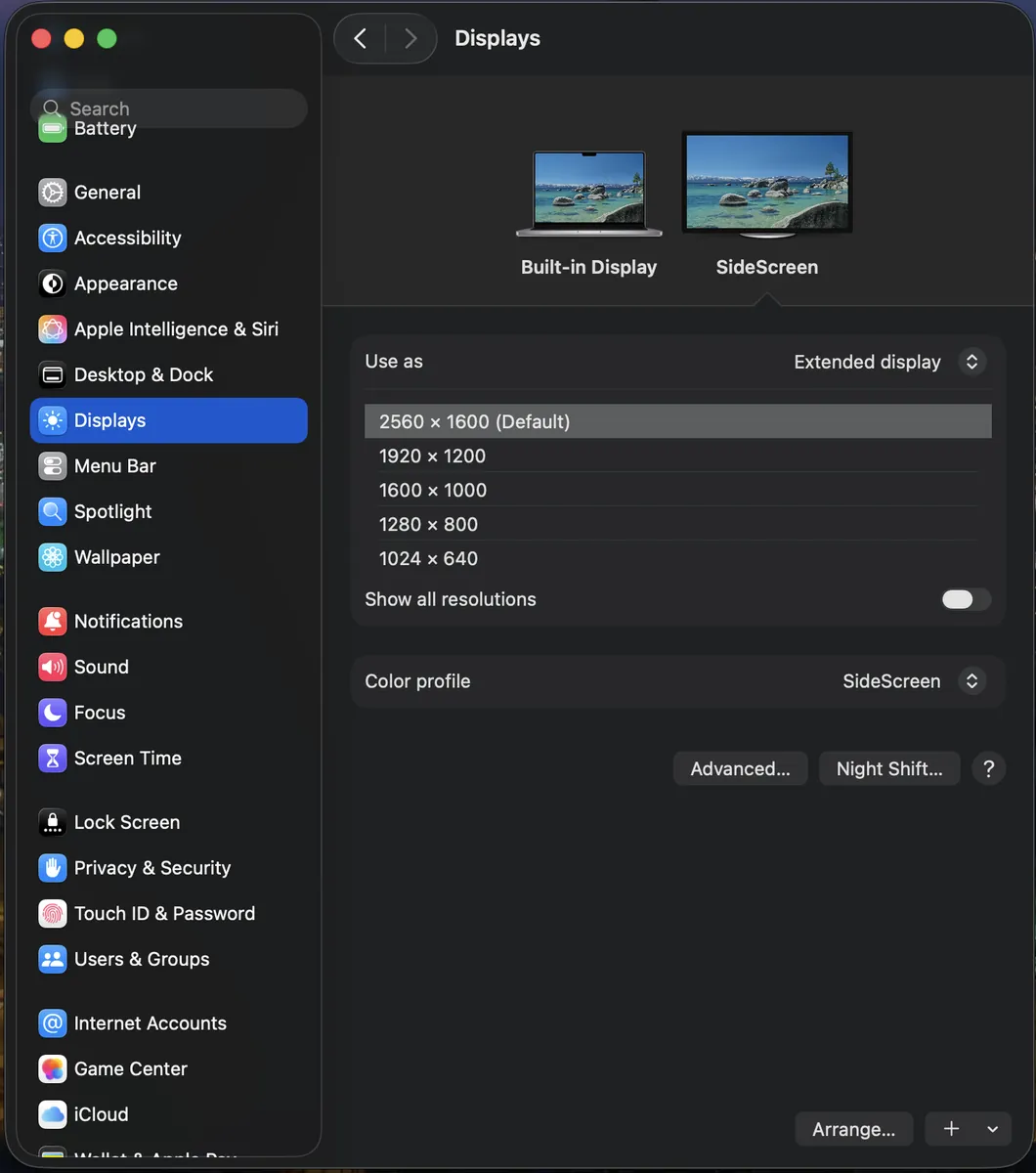
Async pipeline with hardware H.265 on both ends. Buttery smooth frames with Choreographer vsync alignment.
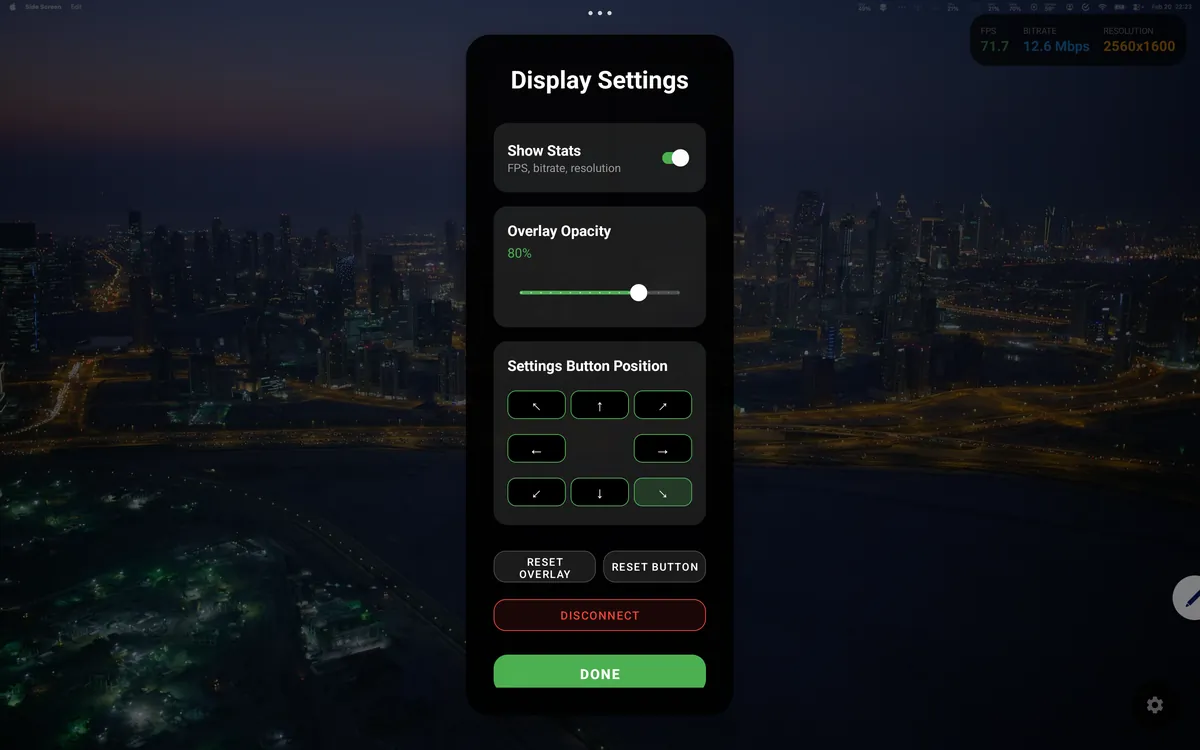
Resolution up to 8K, 30–120 FPS, Gaming Boost mode, HiDPI (Retina) for pixel-perfect sharpness. Fine-tune everything from the Mac app.
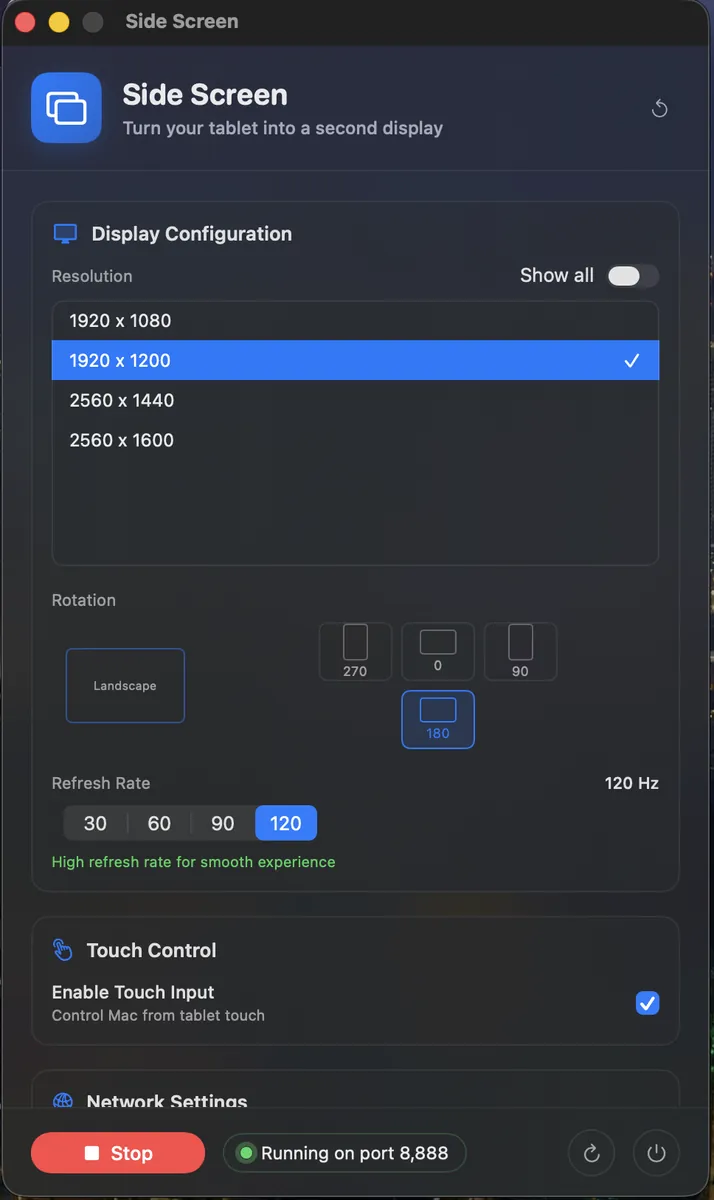
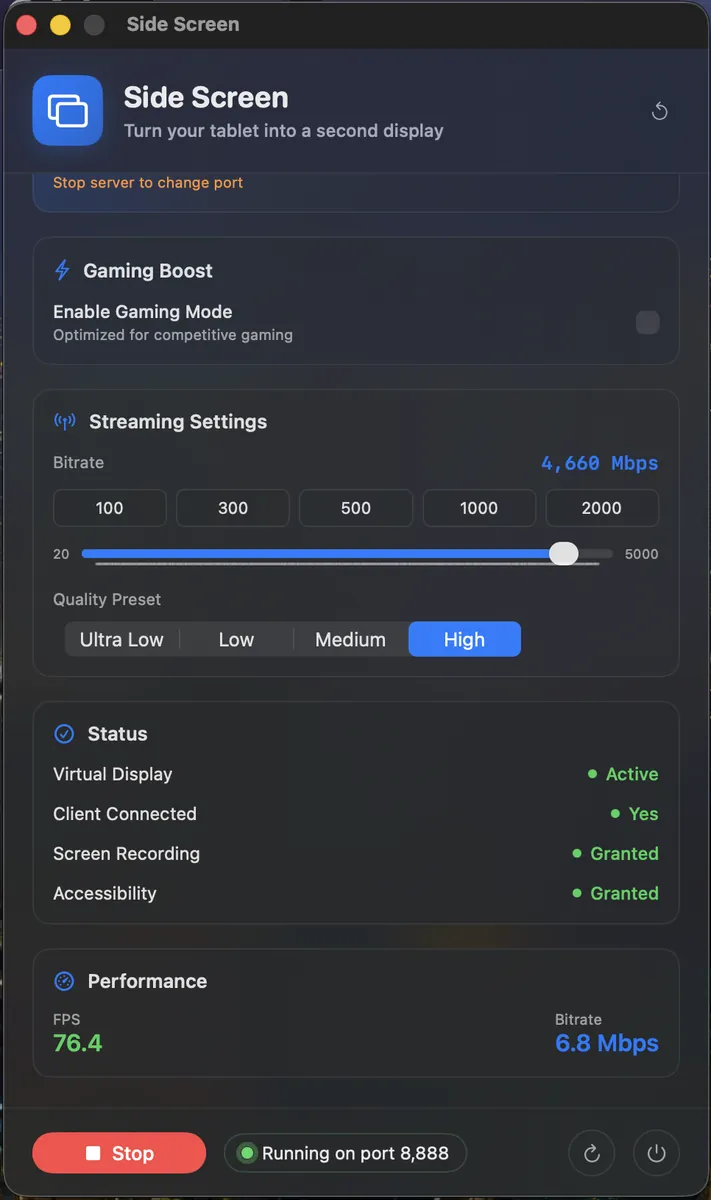
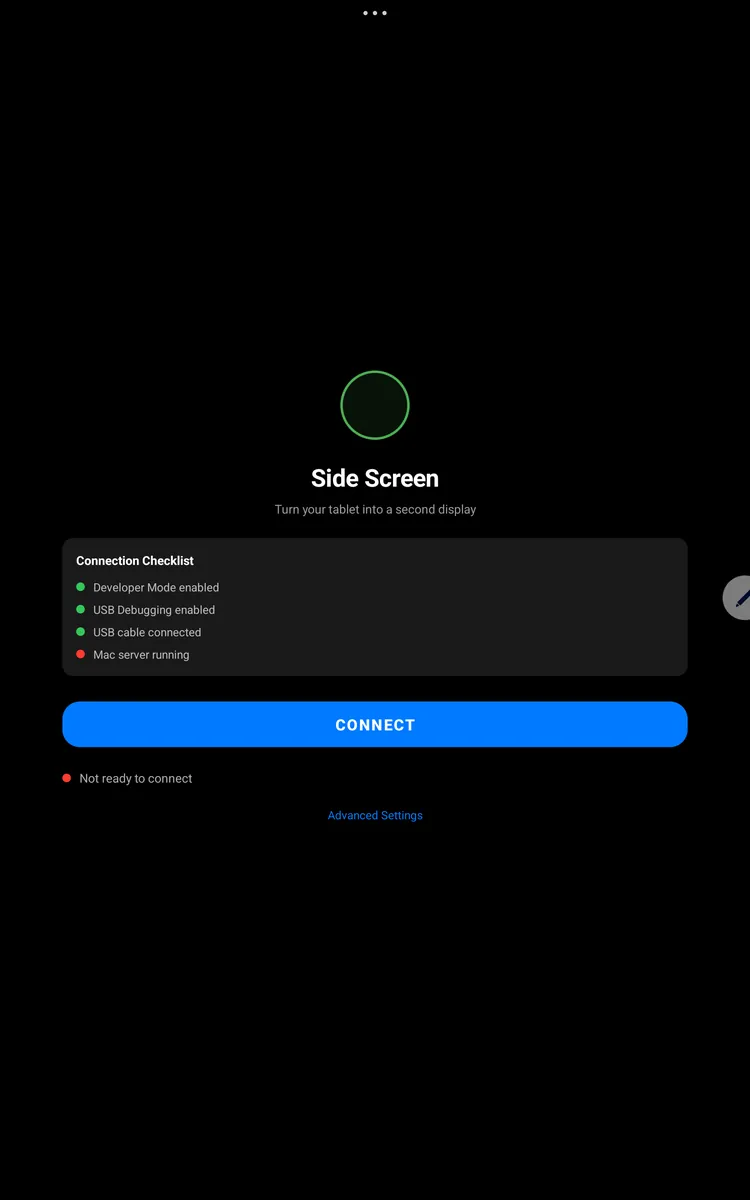
Plug in USB-C for the lowest latency, or scan a one-time QR code from the Mac to pair wirelessly over WiFi — every launch after that auto-reconnects. Touch input with prediction works the same way in both modes.
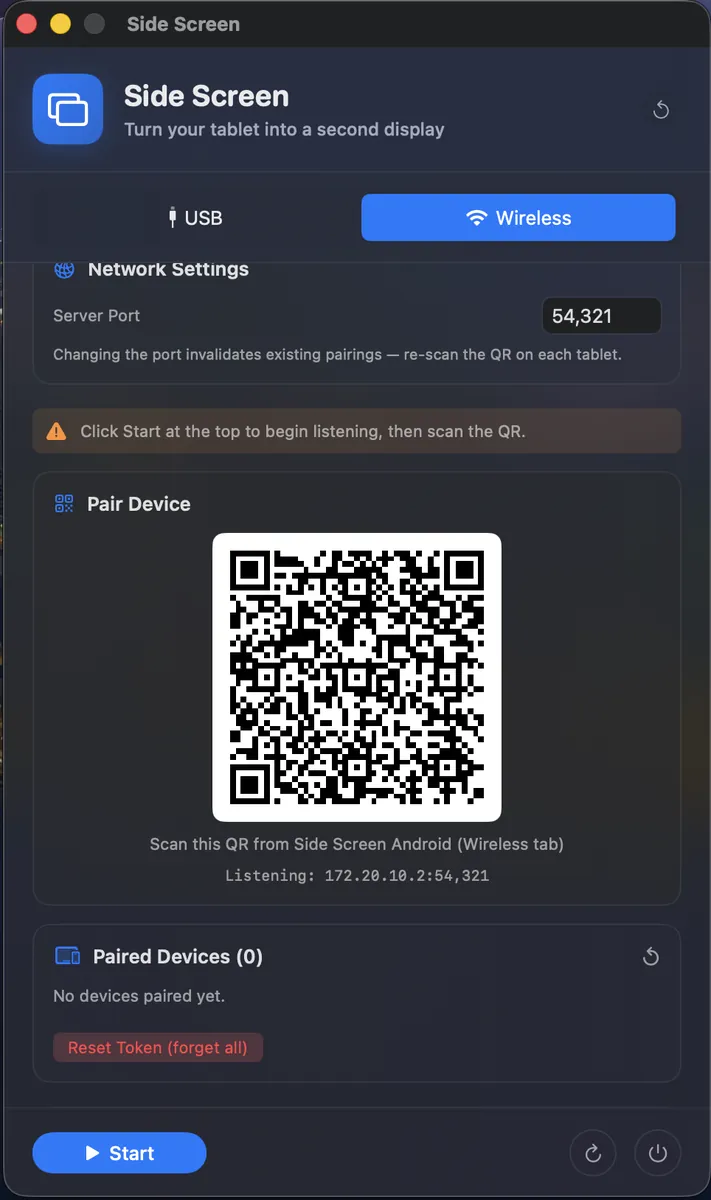
No cable, no compromise. Pair once with a QR code and the tablet remembers the Mac — every future launch reconnects over WiFi automatically. The auth token is generated locally and stays on your Mac; reset it any time to revoke access.
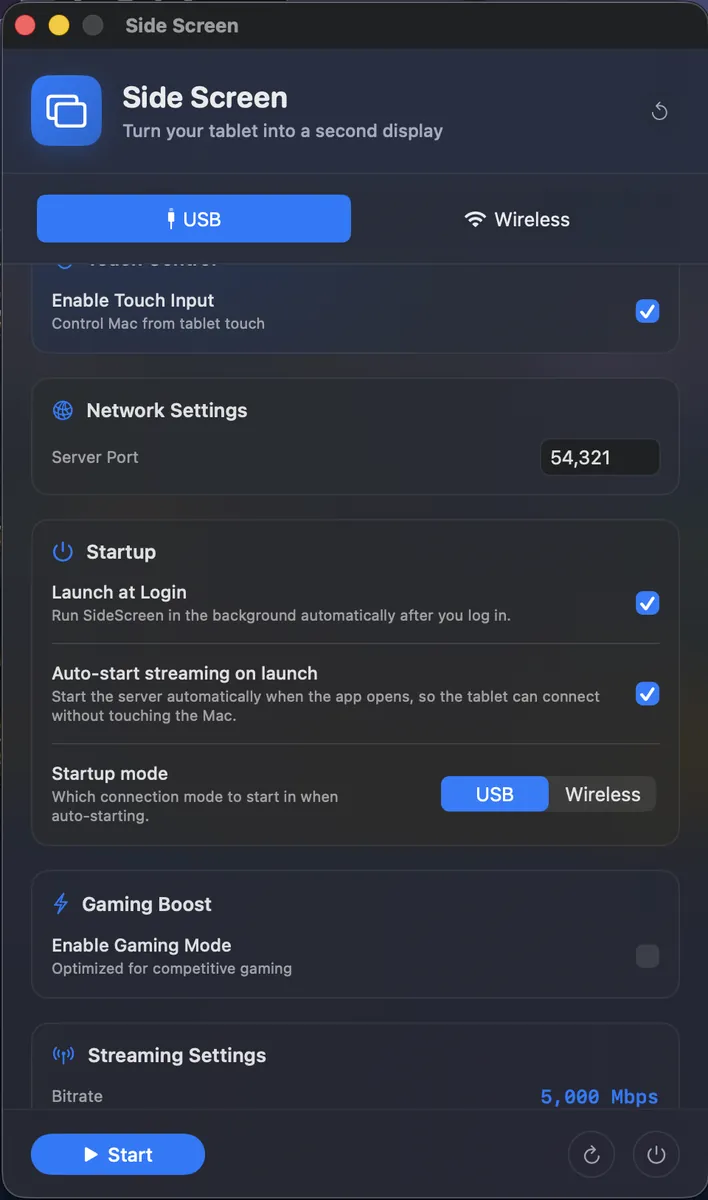
Run a Mac with no display of its own — a Mac Studio or Mini on the go, or a laptop in clamshell — using the tablet as its only screen. Turn on Launch at Login and Auto-start streaming, and the Mac boots straight into serving the tablet, with nothing to press on the Mac.
From download to second screen in under 5 minutes
Get Side Screen for your Mac and install the Android app on your tablet.
USB-C — plug the cable in (port forwarding is automatic). Or Wireless — open the Mac's Wireless tab and scan the QR code with the Android app.
Stream starts immediately. Wireless pairings auto-reconnect on every future launch.
Free and open source. Always.
macOS Gatekeeper: Open DMG, drag to Applications. If macOS says "damaged":
sudo xattr -cr /Applications/SideScreen.app⚠️ ADB Required: The Mac app needs adb to communicate with your Android device. If the app doesn't show "Running", install ADB first:
1. Install Homebrew (if you don't have it):
/bin/bash -c "$(curl -fsSL https://raw.githubusercontent.com/Homebrew/install/HEAD/install.sh)"2. Install ADB:
brew install --cask android-platform-toolsYes — since 0.8.0. Open the Wireless tab on the Mac, scan the QR code with the Android app, and you're paired. Every launch after that auto-reconnects. Both devices need to be on the same WiFi (5 GHz strongly recommended). USB-C still gives the lowest latency for drawing or fast-paced gaming.
This happens because the app isn't notarized by Apple. Open Terminal and run: sudo xattr -cr /Applications/SideScreen.app, then open the app again.
USB-C: under 30 ms end-to-end with the async pipeline (hardware H.265 encoding, Choreographer vsync, TCP_NODELAY). Wireless adds 10–50 ms depending on WiFi quality — not noticeable for text/web/video, but USB still wins for drawing precision and fast gaming.
Each Mac generates a private 32-byte token on first wireless toggle, embedded in the QR. Only devices that scanned that QR can connect. If you ever want to revoke access (lost a tablet, switched WiFi, etc.), click Reset Token on the Mac — every paired device gets booted and must re-scan a fresh QR.
Currently, only Android tablets are supported. iOS support may be considered in the future.
Yes! Side Screen is free and open source under the MIT license. If you find it useful, consider supporting development.
No! The Mac app automatically runs adb reverse to set up port forwarding when streaming starts. Just make sure adb is installed (via brew install android-platform-tools).